
Make a plan that fits the day
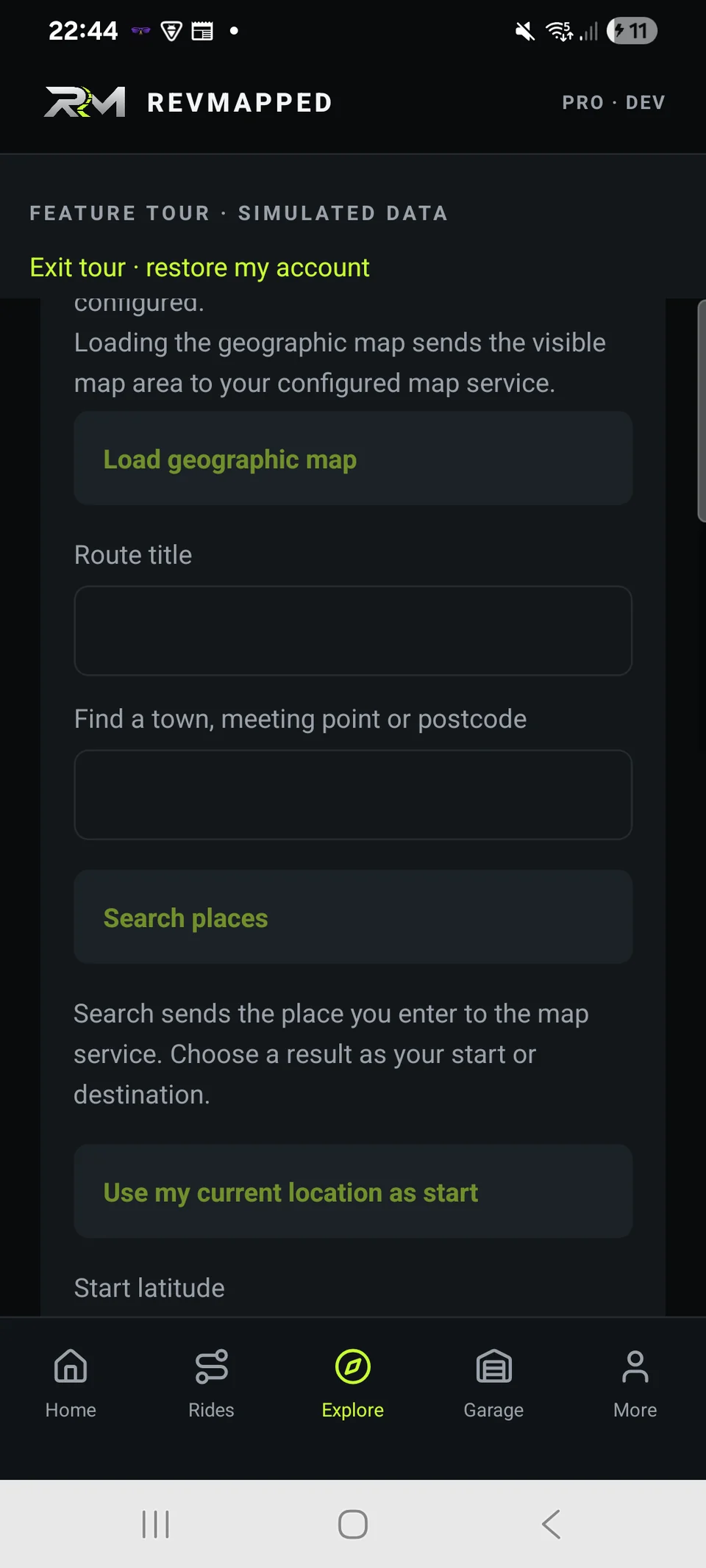
Route planning accepts a start point, an optional destination and a requested distance from 5 to 300 km. Preferences include Twisty, Scenic, Flowing, Relaxed and Explore New Roads. Suggested routes depend on the connected routing service.
Review before you ride
Inspect the proposed route and its distance, save it or share a planned-route card. Preferences guide a suggestion; they cannot guarantee road character, access, surface or current conditions.
Make the stops part of the plan
Add up to nine intermediate stops, reorder them and review the route. Solo and group plans retain those stops. Suggested roads depend on the routing service and may differ from your preferred character when only an alternative is available.
Follow the route you chose
Open the saved route in REVMAPPED for visual navigation along its exact map line, with GPS progress and saved turn instructions where available. Existing ride recording continues separately. Off-route and stale-GPS warnings keep uncertainty visible; spoken or background guidance is not promised.
Full-screen guidance, recording alongside it
Follow the route in a full-screen map with your direction of travel towards the top and a next-turn instruction bar. The map rotates as you progress when a usable heading is available. Opening navigation does not stop an active ride recording. Set up while parked; visual guidance depends on usable GPS and available route instructions.
FROM PHONE TO RIDE
How it works
- Choose your start, optional destination and route preference.
- Generate and review the suggested route with a connection to the routing service.
- Save or share the plan, then open in-app navigation. Start ride recording separately if you want to keep the journey.
A few things worth knowing
Can I generate a new route offline?
Route generation requires the configured online routing service. It is separate from local ride recording.
Does REVMAPPED provide its own turn-by-turn navigation?
REVMAPPED provides in-app visual guidance using the saved route and provider turn instructions. Older saved routes may need regenerating to include instructions. Spoken and background guidance are not currently claimed.